
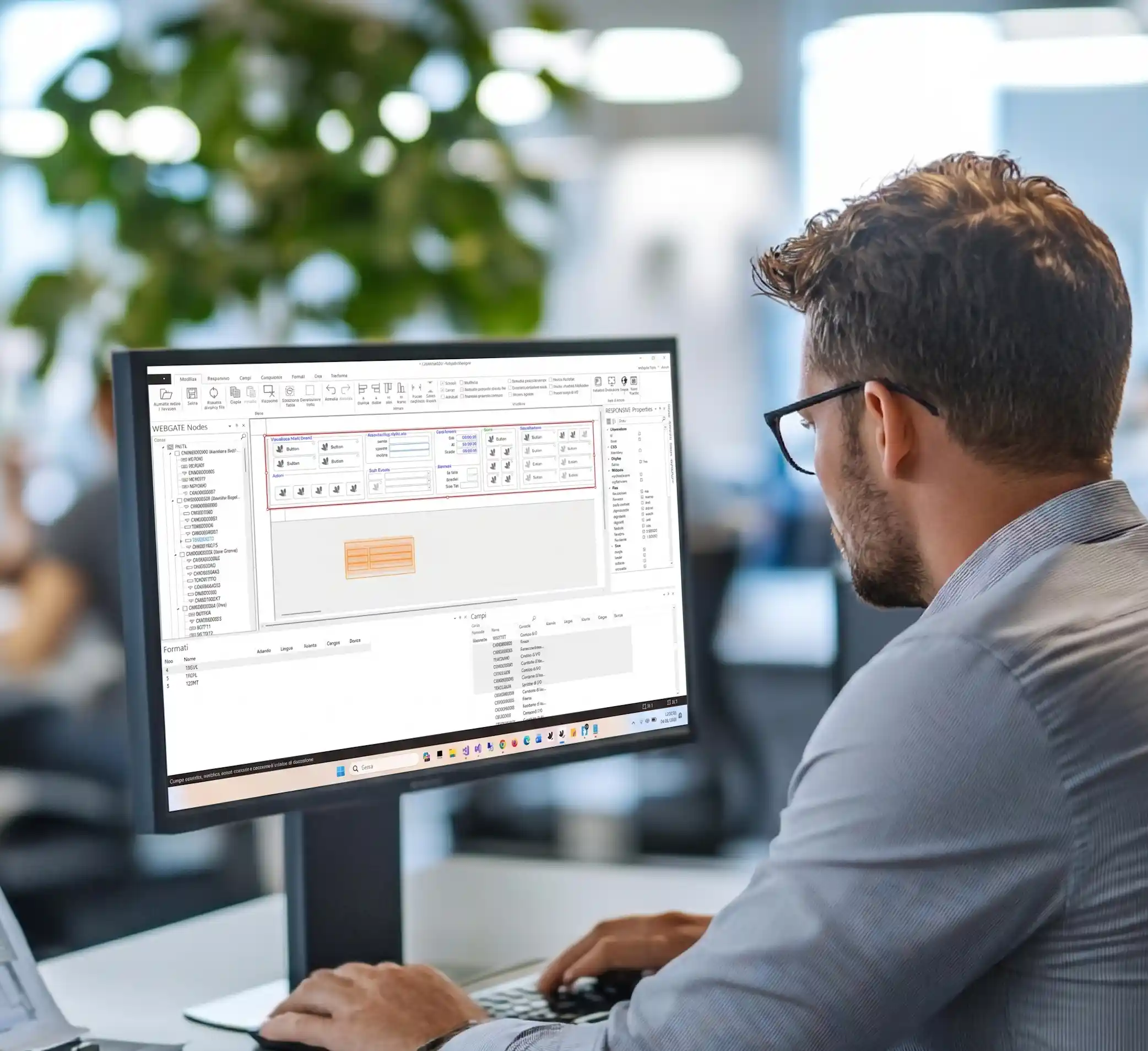

Design, customize and modernize screens directly in your applications, leaving the old SDA behind for good
WGDesigner is the innovative webgate400 tool dedicated to the visual creation and customization of interfaces for modernized IBM i applications.
Thanks to its intuitive WYSIWYG (What You See Is What You Get) interface, it lets you design screens visually and step by step, eliminating the need to manually manage complex DDS syntax.
Everything you can do with WGDesigner
Customize application layouts and screens for individual users, company groups, languages, or specific companies, adapting them to real operational needs.
Create new display files from scratch without traditional development tools such as SDA (SDA-free), automatically generating the DDS needed for the RPG or COBOL program.
Build responsive interfaces that automatically adapt to the available display space, optimizing viewing on every device.
Transform the nature of fields by converting simple text fields into advanced graphical controls such as ComboBox, CheckBox or Radio Button.
Insert multimedia and advanced elements such as images, vector icons (.WDF), dynamic charts and geolocated Google maps directly in subfile rows.
Manage fonts, colors, and styles at the level of the entire display file, an individual format, or a specific field, improving readability and visual impact.
Simulate indicator activation directly during the design phase to immediately verify how the screen behaves dynamically as program conditions change.
Define collapsible areas, pop-ups, and scrollable panels to manage large amounts of data effectively without overloading the screen.
Specialize screens for mobile devices, creating specific versions for smartphones or tablets (iOS and Android) that make the best use of limited space.
Easily distribute customizations across different machines or duplicate them between users and groups with integrated commands.

Professional graphical interfaces, without technical constraints
WGDesigner lets you modernize traditional 5250 applications, making them easier to use through browsers or mobile apps while drastically reducing initial development time and the time needed for later changes.
Users (consultants or support staff) can customize their own workflow independently: adding, moving, transforming, or omitting fields quickly and easily, even without programming skills.
You can work on webgate400 Custom files to change positions, fonts, and visibility without ever touching the RPG program logic and without recompilation. For developers, the tool provides a powerful “Design” mode for creating complex data structures from scratch, with full control over webgate400 graphical properties.
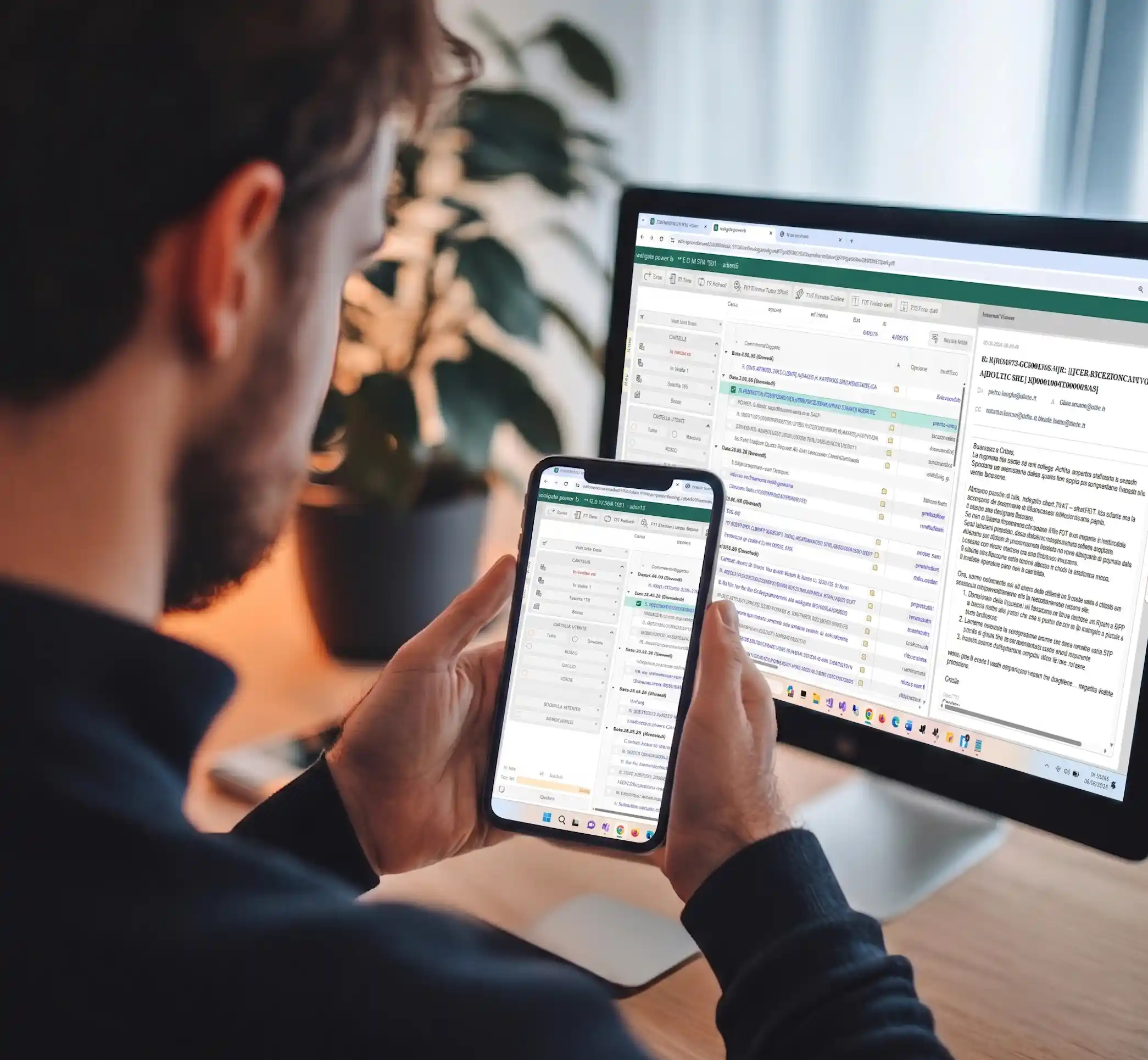
Instant responsive screens, ready for the future
With the new responsive features in WGDesigner for power-b, you can turn rigid screens into fluid interfaces that reposition themselves according to screen resolution.
Through the Auto-create function, the tool can generate a first responsive version of the screen in seconds, automatically managing complex relationships between fields and containers (flexbox).
Every change can be checked immediately in the preview area, ensuring a professional result on every device with a single compiled object.
Prerequisites
- webgate400
- power-b (for responsive features and web/mobile access)
Evolution, not revolution
For nearly 25 years, one principle has never changed: don’t become a company forced to chase technology; stay focused on what you do best in your industry.
Our job is to give you the tools to stay competitive, modern, secure, and scalable without losing what already works today.
